
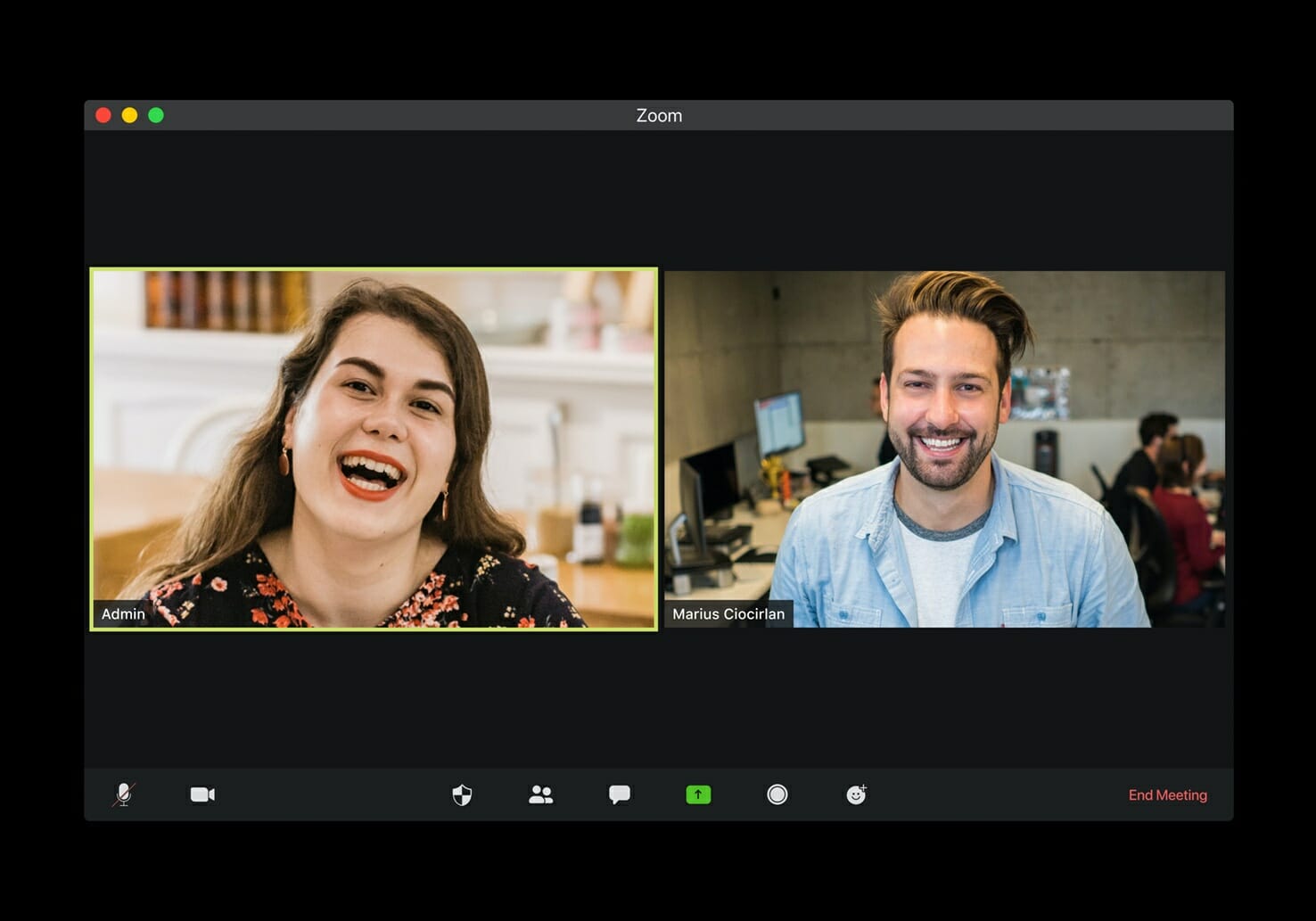
Being part of a videoconference generally involves being seen and heard from the comfort of your home office. Here are four practical tips to help you appear more professional when you’re on camera.
1. Get comfortable with the software
Whether you’re using Skype, Zoom, Google Hangouts, Microsoft Teams, FaceTime, or any other platform, play around with the features until you feel adept. Record a test call (with nobody, or with a trusted friend or colleague) and practice with the tech: sharing your screen; sending a message to the whole group or just one person; creating a breakout room; recording the session; etc. The features may vary between platforms, but with some practice you’ll soon feel ready to try them out live.
2. Practice makes perfect
Run a test call (with a friend or colleague) where you try out the software’s features (as in Point 1 above) and experiment with the usual social cues that take place during a meeting. These cues include: speaking up when there is a good break in the conversation; interrupting the speaker when necessary (if necessary and in the politest way possible); nodding your head in agreement; making it known that you have a point to make (whether this is by your facial expression or raising your hand – physically or with the “raise hand” feature in the software).
3. Look into the lens
The lens of your camera is the “eye” of your audience. For best results, maintain contact with the lens and look into it as much as you can while speaking. It will feel as though you are making eye contact with your audience. Remember to smile and nod, as you would when speaking with someone in-person.
4. Work with any delays
When using video conferencing software you or others may experience slight delays between when you speak in reality and when the participants actually hear you. This can be a little awkward and cause stop-start breaks in the natural flow of a conversation. These delays can be due to the software itself, internet speeds or other factors. This can be frustrating, but it is a reality of video conferencing from time-to-time, which is why it’s important to practice and create work-arounds. For instance, if you are finding that there are delays and you wish to raise a point, you can send a message to the group and wait for the moderator to bring you into the conversation. This will effectively pause the conversation: giving you the space to speak up.
We hope these tips help you embrace this brave new world of video conferencing en masse. You can read our companion article here, which covers four other practical tips (on sound, lighting, what to wear and your background) to help you become a videoconferencing professional.
For more resources, check out the Resources tab on our website. This is full of articles, guides, and answers to FAQs about video and animation production. As always, if you have any questions get in touch any time.